
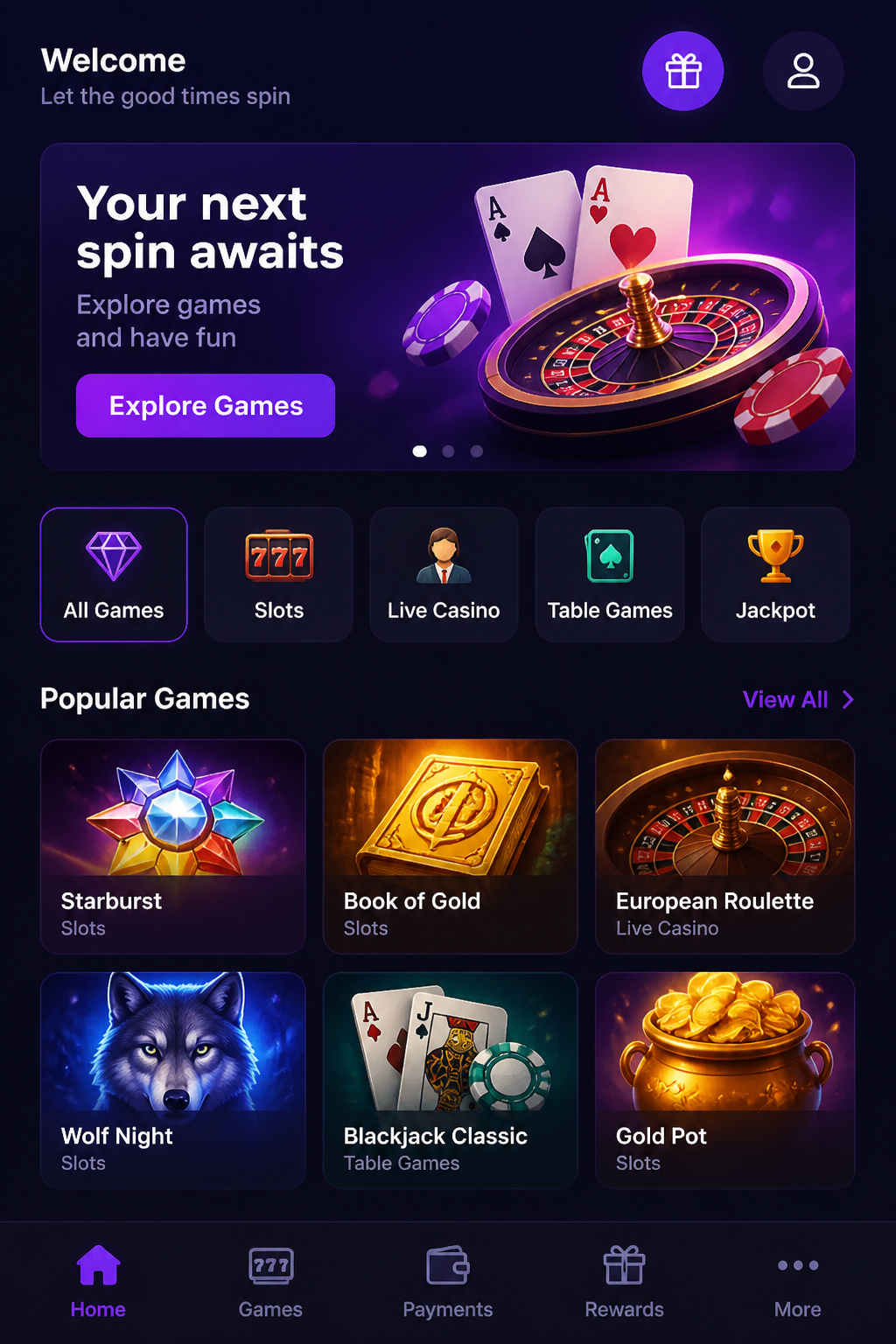
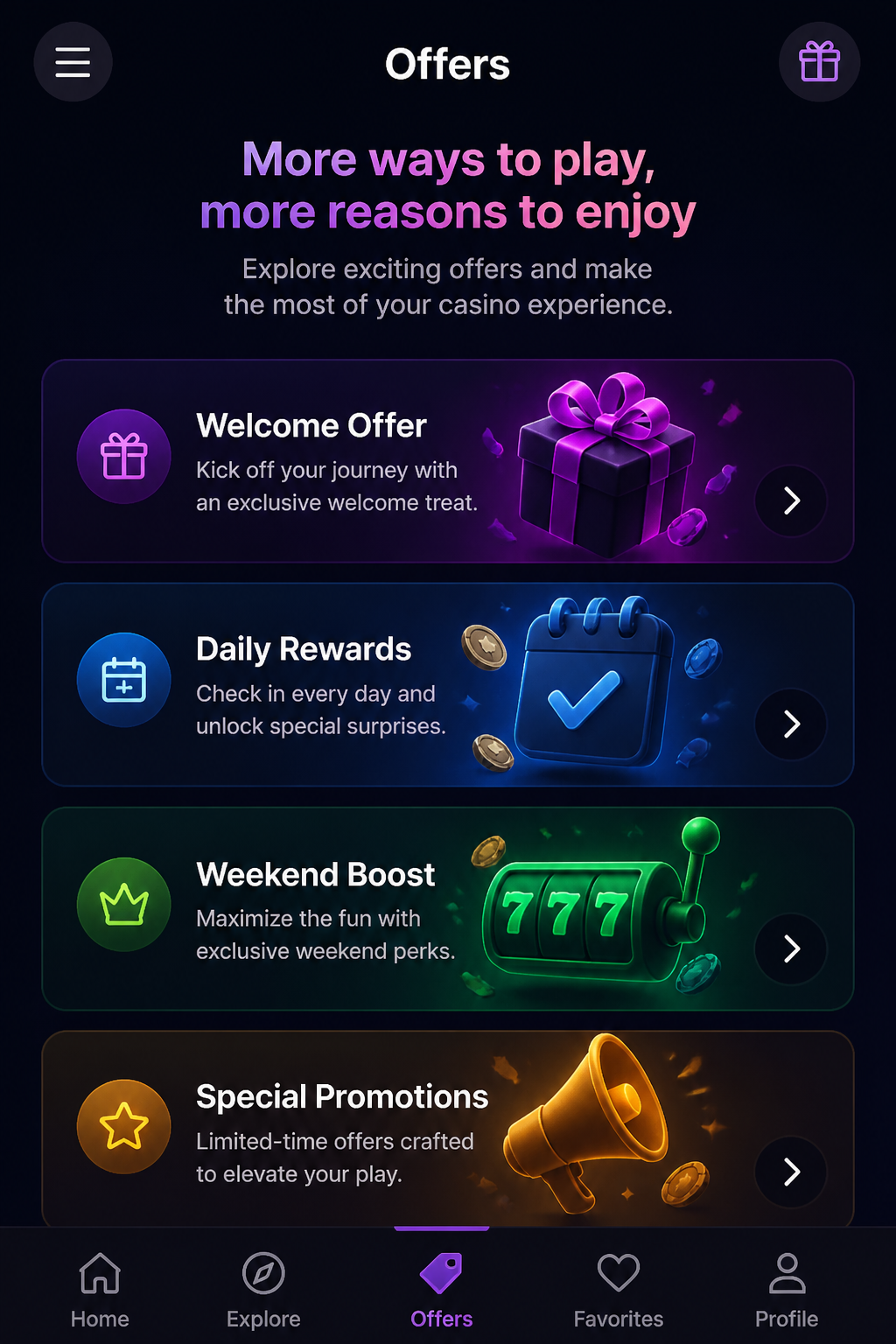
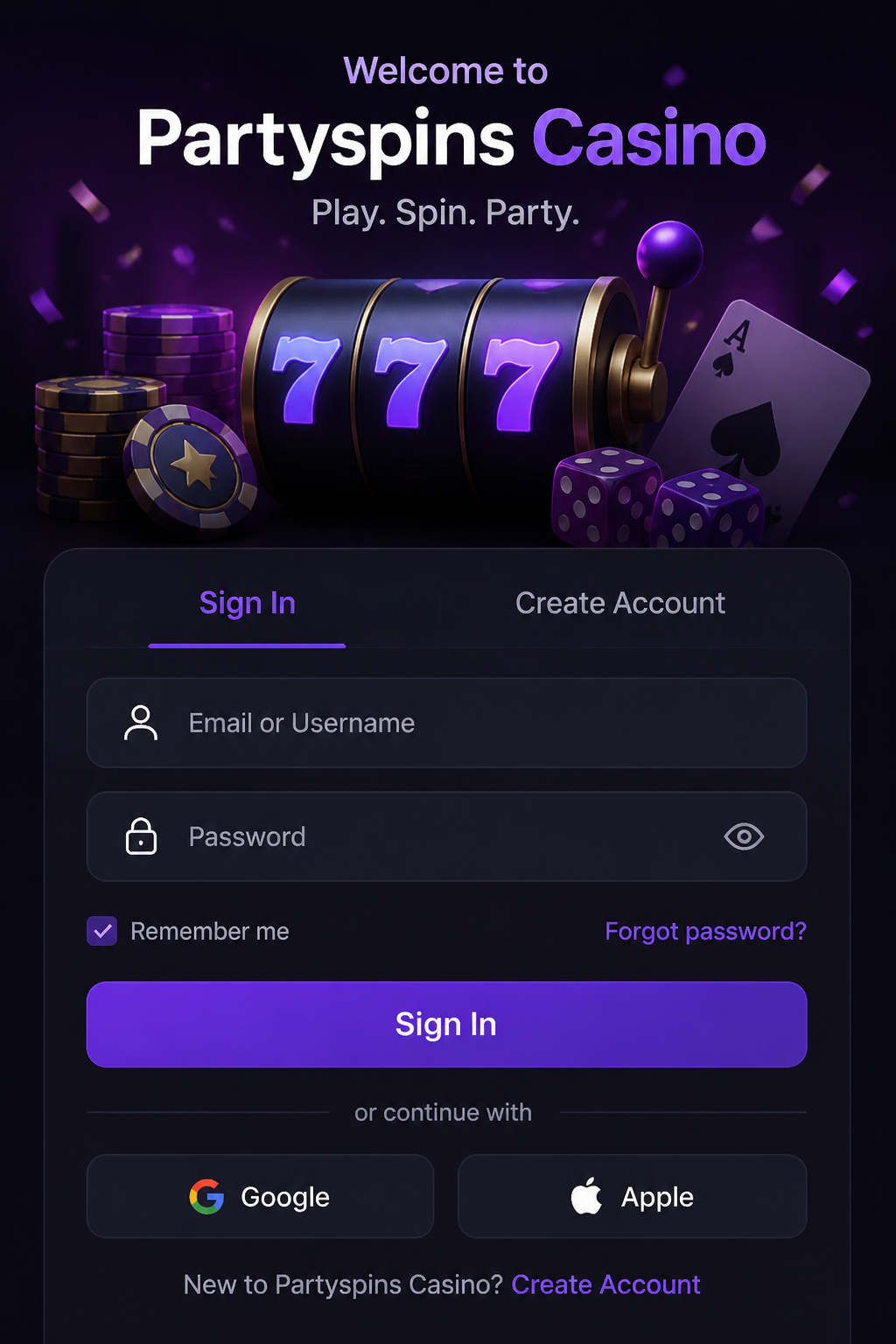
Mobile play should be straightforward: games must be easy to find, account controls easy to reach and important terms readable on a smaller screen. A polished app icon alone would not establish a reliable user experience.
An official downloadable Partyspins app has not been independently confirmed. This guide therefore focuses on browser use, device safety and practical checks relevant to international players.
| Mobile route | Use the mobile browser experience |
| Official app | Not independently confirmed |
| Devices | iPhone and Android; performance varies |
| Games | Check mobile game availability |
| Cashier | Account and country-specific options |
| Security | Strong password and protected device |
Playing Partyspins on mobile

Phones are often used for short sessions, making clear menus and accessible account controls important. Partyspins can be assessed as a mobile casino experience through its browser presentation, but the existence of an official downloadable app has not been independently confirmed. It would be misleading to describe an unverified app as an established feature.
A casino can feel different on a phone than on a large monitor. A menu that looks simple on desktop may conceal essential options on mobile. Check whether the lobby, cashier and account settings are accessible without losing track of an active game. Confusing controls deserve attention, especially when money is involved.
Browser versus downloadable app
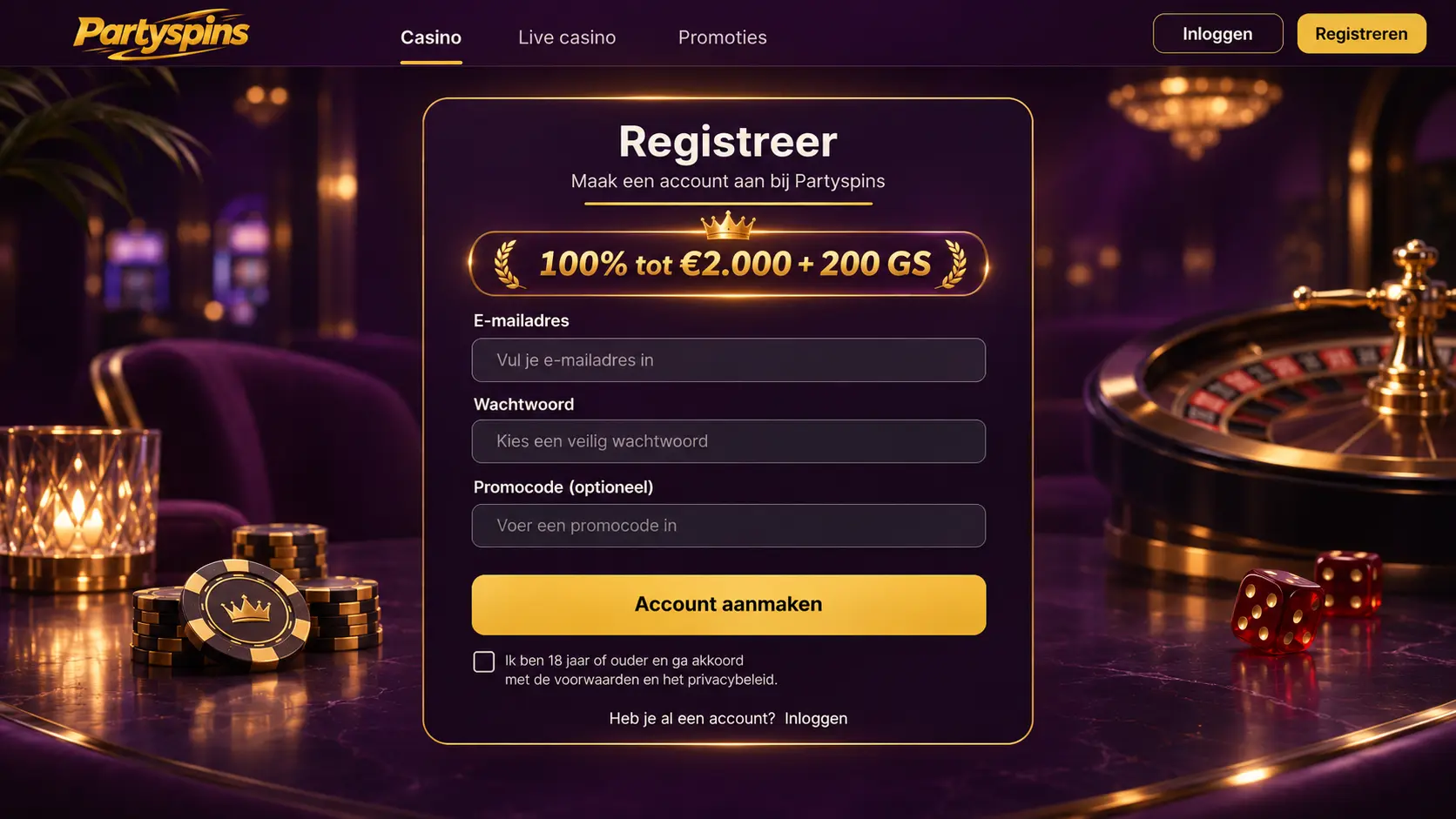
A browser version opens without installation, while a dedicated app may involve updates, storage space and device permissions. A download is not automatically better. Players should verify the publisher and the official route before installing software, particularly when links appear in messages or third-party advertisements.
Browser play avoids the need to install additional software, but performance still depends on the device, browser and connection. Do not download unknown installation files promoted in advertisements. If an official app is mentioned, verify its publisher and distribution route before entering credentials or payment information.
Signing in on a smaller screen

Mobile login is convenient, but shared devices and untrusted networks introduce avoidable risks. Use a unique password, secure the phone itself and never store one-time codes in screenshots. If multifactor authentication is offered, it can provide another layer of protection. No genuine support agent should need a one-time login code.
Avoid casually storing login credentials on shared devices. A secure screen lock helps prevent others from opening an active session. Use a separate password for the casino account and never respond to pressure to share a one-time code. Authentication codes belong to the account holder, not to someone claiming to be support.
Slots on iPhone and Android
Mobile slots should display betting controls, balances and help screens clearly. Animated features can occupy substantial screen space on smaller devices. Check that stake controls remain accessible and important notices are not hidden. The same title can behave differently across browsers, so a brief interface check is worthwhile.
Slot controls need to stay understandable on a small screen. Check how stakes are adjusted, where the rules appear and whether round history is accessible. Bright animations can be entertaining but should not conceal essential information. When in doubt, read the help screen before beginning another round.
Live tables while travelling
Live-dealer sessions can demand more bandwidth and screen space than a basic slot. A dropped connection may interrupt the video even when a round continues server-side. Review the game’s handling of disconnects and unfinished rounds. Avoid gambling when you are distracted or trying to fit a session into another task.
Live-dealer streams can place heavier demands on mobile connections. A frozen video does not necessarily mean the server has stopped the game. Review disconnection rules and monitor the round history. Avoid playing while distracted, since missing part of a live round can cause confusion about what was settled.
Using a mobile cashier
A mobile cashier should make account-specific methods, fees and confirmation steps easy to understand. Available cards, wallets and transfers vary by country and provider; they should not be inferred from generic icons. Use the official cashier rather than payment requests delivered through unfamiliar links or unsolicited messages.
A mobile cashier should display the method and final amount clearly. Additional confirmation from a bank or wallet provider may be necessary. If payment appears to hang, check transaction history before retrying. Providers can behave differently across devices and may not support every country.
Notifications and attention
Push notifications can be convenient, but repeated promotional prompts may also encourage longer or more frequent play. Review notification permissions and disable marketing alerts if they distract you. A short session stays short only when the stopping point is yours. Screen-time and focus tools can help maintain that boundary.
Marketing notifications should not dictate how often you play. If alerts or banners make it harder to stop, disable them or take a break. Built-in screen-time tools can provide helpful reminders. A limit only works when it is respected during the moments when continuing feels most tempting.
Privacy on a mobile device
Mobile browsers can retain cookies, session information and saved passwords. Review privacy controls, limit unnecessary permissions and keep the device locked. Persistent login is especially risky on a shared phone. Without current technical documentation, precise tracking practices or app permissions for Partyspins should not be stated as verified facts.
Mobile browsers can retain cookies and sessions, although exact processing depends on the website. Review privacy controls and avoid granting unnecessary permissions. Sign out after using a public or shared device. Only the relevant service’s actual privacy notice can clarify its retention periods and use of account data.
When a game freezes
A frozen screen does not always mean that a round has been cancelled. Check the game history before assuming an unsettled bet has disappeared. Record the time and non-sensitive details of the issue, then contact support if needed. Avoid including passwords, full payment information or verification codes in screenshots.
When a round ends unclearly, review game history rather than immediately placing another bet. Note the game title, time and any available transaction reference. These details help support investigate an issue without needing passwords or full payment data. A screenshot may be useful if it excludes sensitive information.
Accessibility and readability
Zoom, readable text and sufficient contrast matter when account conditions are displayed on a phone. Rotate the device or increase text size to see whether important controls remain accessible. Monetary amounts and deadlines should not be hidden by the layout. If a page truncates the terms, use a larger screen before opting into a promotion.
Readability is more than comfort. A truncated deposit amount, bonus deadline or withdrawal condition can lead to real errors. See whether the layout adjusts when the phone rotates. If essential terms are cut off, read them on a larger display. Do not confirm a financial step from incomplete information.
Safer play away from home
Mobile convenience should not turn gambling into something done while driving, working or supervising others. Poor connections can also make important confirmations harder to follow. Review your balance and set spending or time limits before playing. Convenience is useful only when participation remains deliberate.
Mobile convenience can become a drawback when gambling starts filling every spare moment. Decide when you will and will not play. Avoid gambling during work, in traffic or at times when it disrupts sleep. A deliberate break can be the simplest protection against automatic habits.
Managing browser tabs and sessions
Moving between browser tabs and applications is easy on a phone. It also makes it easier to forget that a session is still active. Review account balance and game history when returning to the site. A page in the background is not the same as a secure sign-out. End sessions deliberately when finished.
Automatic page refreshes can change what is visible without requiring a fresh login. Confirm the active account before opening the cashier. Do not leave personal information exposed when handing a device to someone else. On shared devices, signing out is a simple but important habit.
A practical mobile checklist
Focus on navigation, readable promotion terms, access to account limits, game stability and a clear cashier. Any claimed downloadable app should also be checked against an official publisher. This creates a practical mobile assessment based on usable features instead of a polished screenshot.
A mobile assessment is meaningful only if everyday tasks work: finding account controls, reading conditions, checking payments and setting limits. Test those functions on your own device. Some players will prefer a browser; others need a larger display. The useful environment is the one that keeps information visible and decisions deliberate.